

After the creation of the admin login, the next step is to add a supplier to your site. You will get rates and sectors for flights and fixed departures via the supplier. Plus, you will be getting packages that are being added by the supplier on your site. Along with this, you can also add your own inventory for packages and flight deals on the portal.
Steps for adding a supplier:
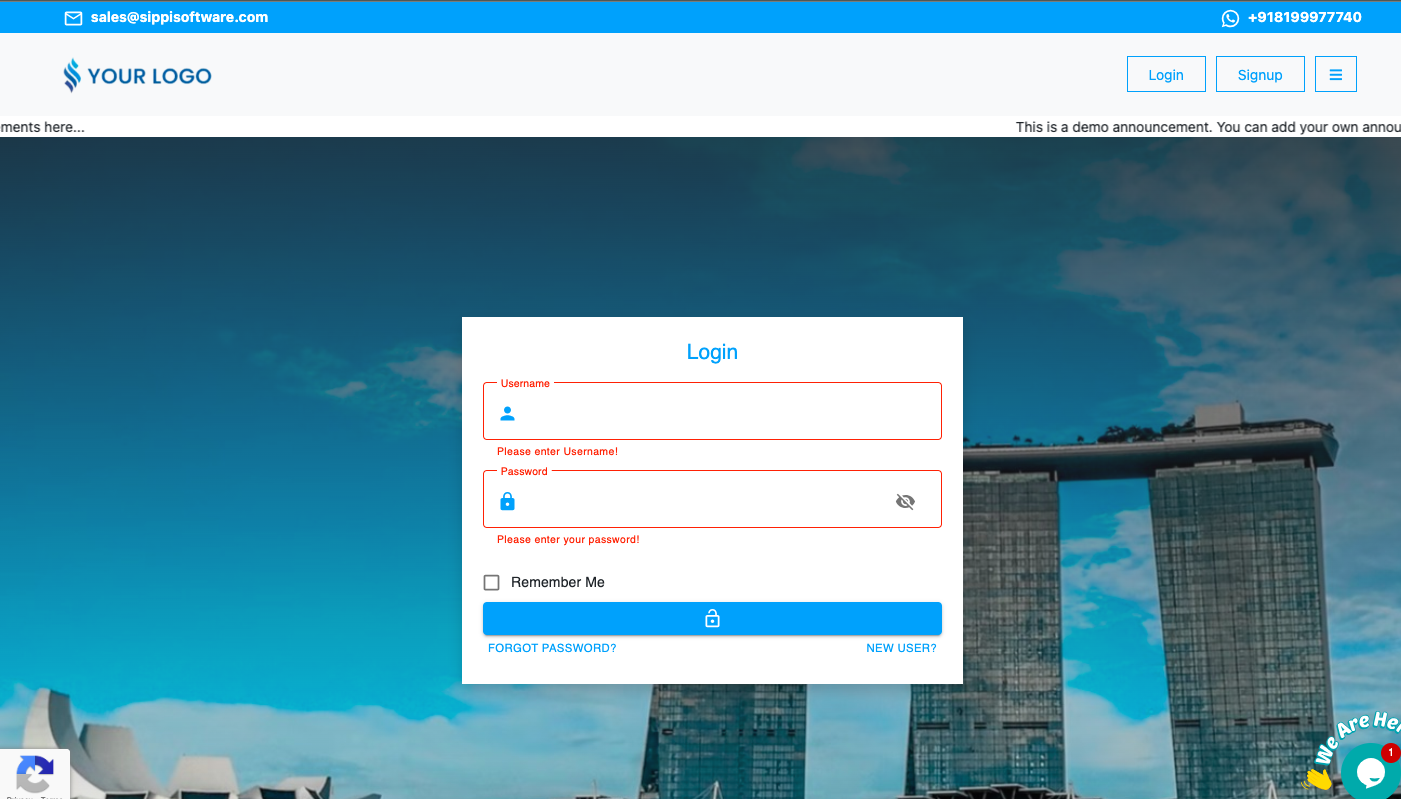
- First of all, you must log in to your site with the admin login you created.
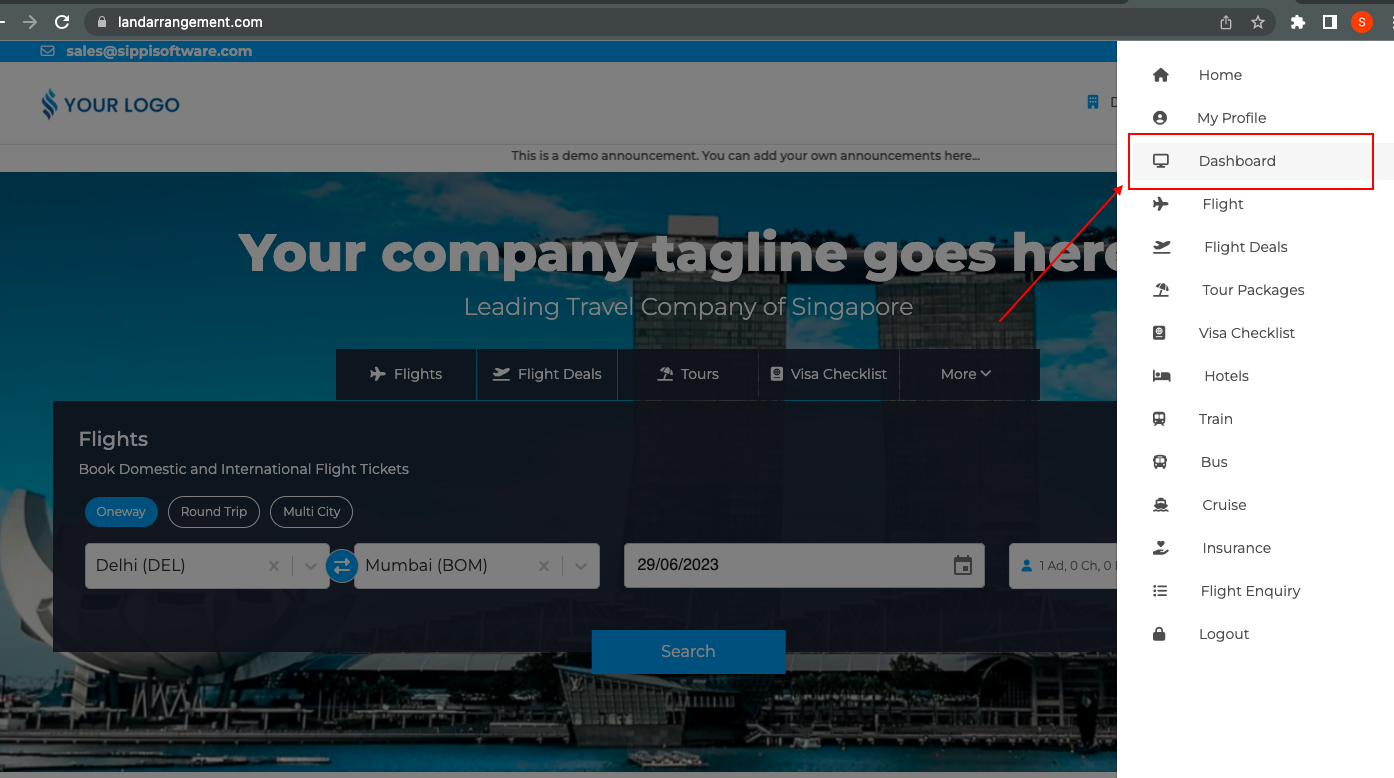
- Next, from the homepage, go to the menu and dashboard.
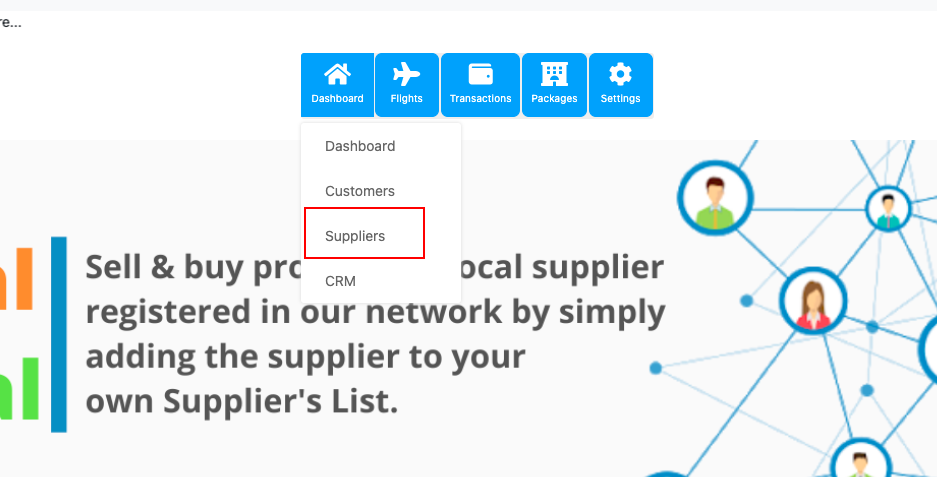
- This page will then open and you will have to click on the dashboard and the supplier.
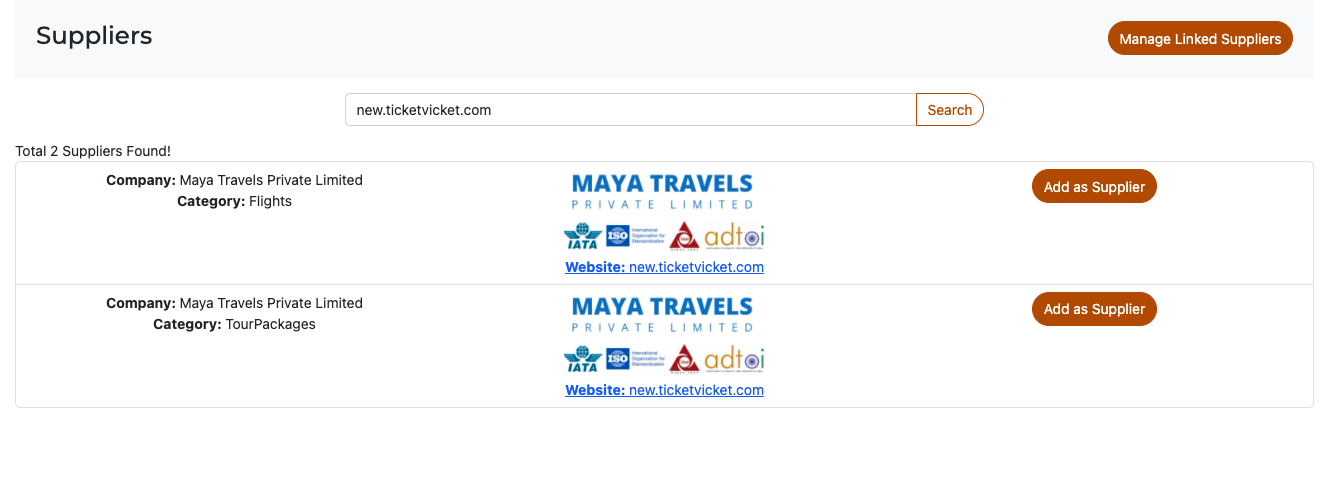
- By completing the above step, this screen will open, here you need to type new.ticketvicket.com (Maya Travels) in the supplier bar.
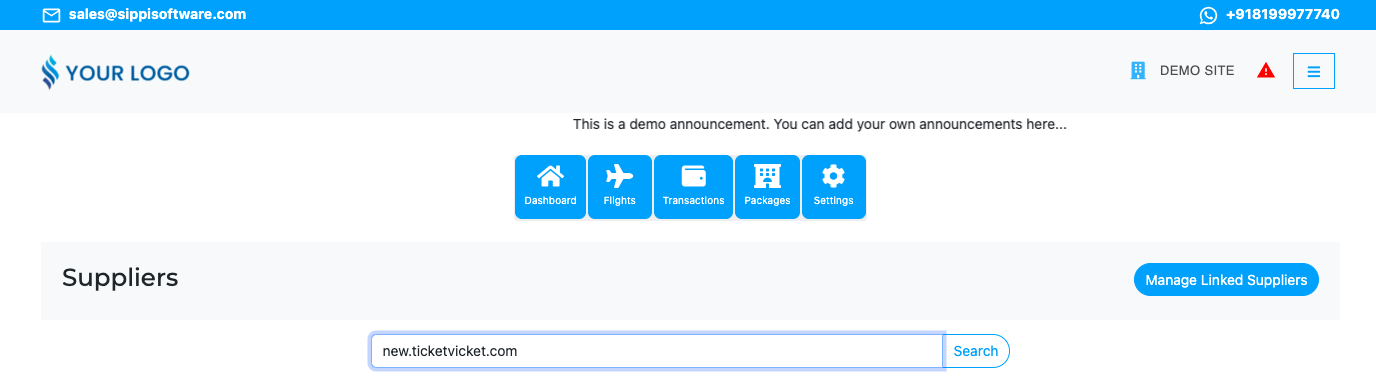
- Then, click Add Supplier.
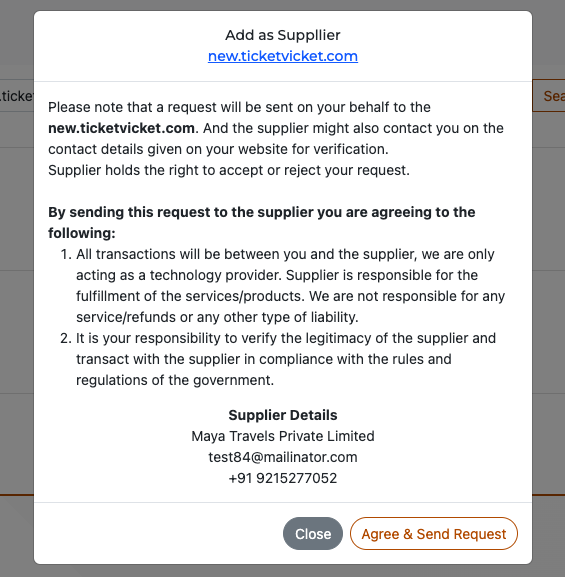
- Finally, agree and send the request, and then reach out to the support team to approve your request.
You can on or off suppliers anytime from the Manage linked suppliers option on the supplier page.