

What is a DOMAIN?
The domain is a unique web address representing your website, such as makemytrip.com or booking.com. It’s like your online identity that helps people find and visit your website.
Where to buy a DOMAIN?
You can choose popular platforms like GoDaddy.com to buy a domain in India. This is a well-known service where you can register and manage your domains. There are many other options like Namecheap, Google Domains, Hostinger, Big Rock, and Bluehost that offer similar services.
Steps to BUY a DOMAIN:-
Choosing a domain name: First, choose a domain name for your website. It should be something easy to remember, picky and, related to your business or purpose and not already picked up by someone else.
Check if the domain is available: Go to a domain registrar’s website, for example, GoDaddy.com and enter the desired domain name in the search field. They will tell you whether this domain is available or already registered. If already taken, you may need to consider other options
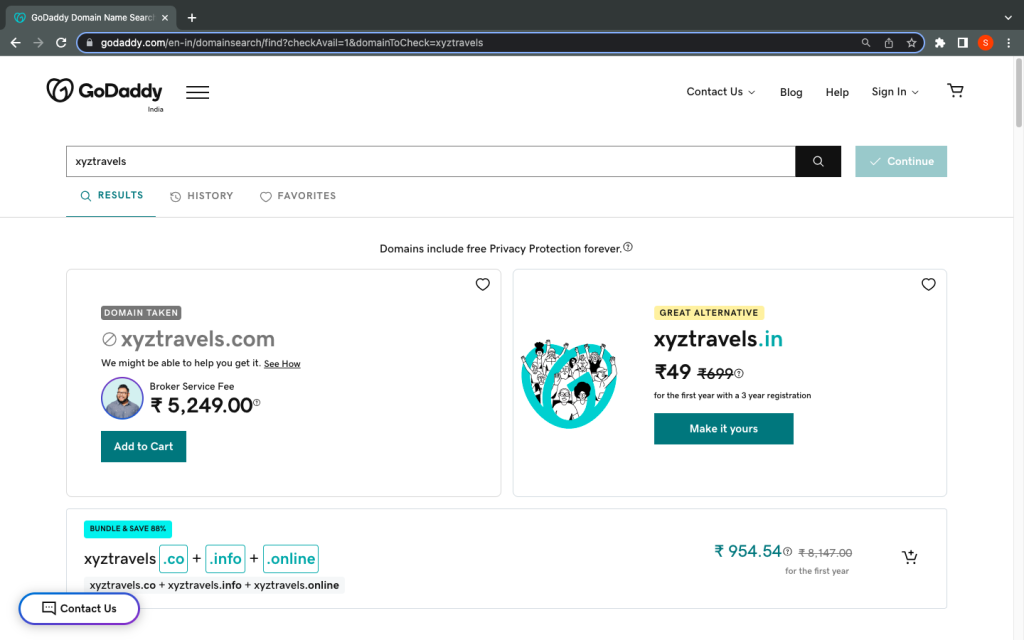
Choose a domain extension: Choose an extension for your domain, for example, .com, .in, .co. club .org. The scope depends on the nature of your website or your target audience.
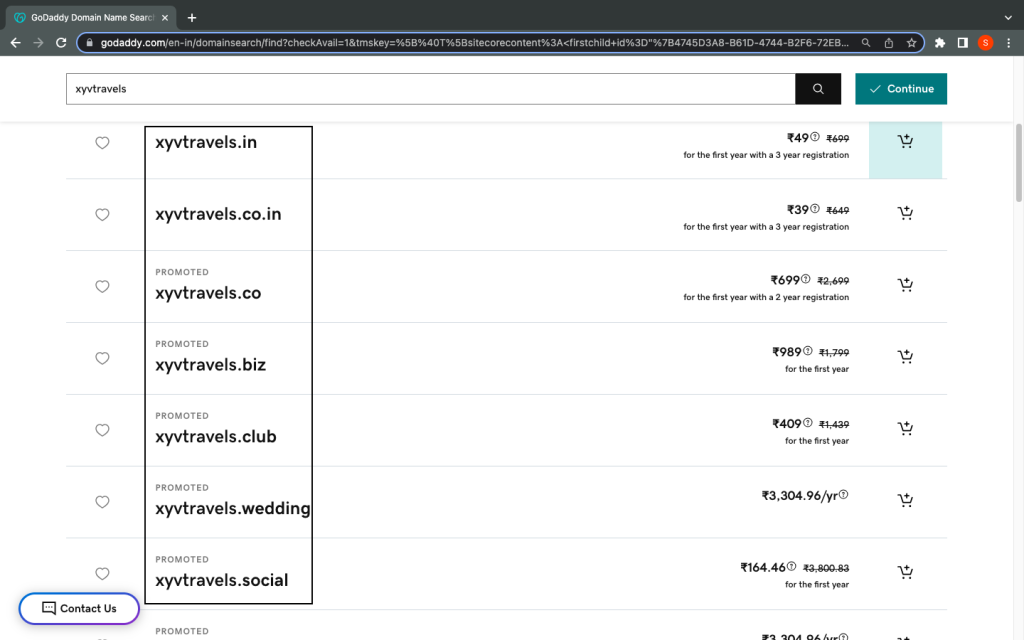
Check domain prices: Once you have found an available domain of your choice, check the price of the domain. The cost may vary depending on the popularity of the name and the chosen extension. Moreover, you must compare the price of the domain selected, as different domain registrars may also have different prices for the same domain. The average price of the domain starts from ₹800-₹2000 per year.
NOTE: Premium or high-demand domains can be more expensive.
Add to cart and checkout: If you like the domain name, and the price, and have finalised it then, please add it to your cart. GoDaddy offers additional services that come with a fee, and you can skip them if you want. These extra services include professional email which can be added at a cost of ₹30-₹40 per month. Select those you want and proceed to check out.
Create Account: If you are a new customer, you will need to create an account with a domain registrar. Enter your name, email address, and payment information to finish setting up your account.
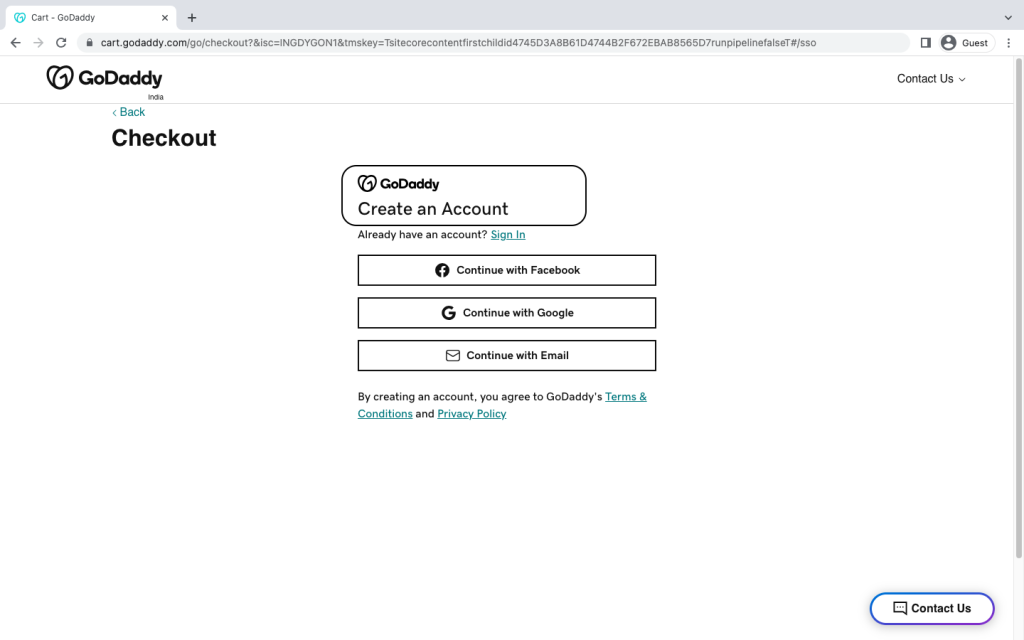
Complete Purchase: Follow the prompts to enter the required payment information. You need to cross-check all details carefully before paying.
Configure DNS settings: After purchase, you have to configure your domain’s DNS settings. To do so, you have to connect your domain to your hosting provider. You need to create an A NAME record and change the nameservers with that of Cloudflare. This is recommended since Cloudflare offers a free SSL protocol for your domain name.
What is DNS? DNS is like a Web address book. It helps your computer find websites by converting names that are easy to remember (such as google.com) to numbers (IP addresses like 192.168.0.1) that computers understand. It’s like a translator linking you to the right place on the web.
Renewing the domain: Be sure to renew your domain registration regularly to ensure the proper functioning of your property and website.
Note: The prices shown here are estimates and are subject to change. Check your domain registrar’s website for the most up-to-date pricing information.
Hopefully, this guide will help you to purchase a domain in India.